
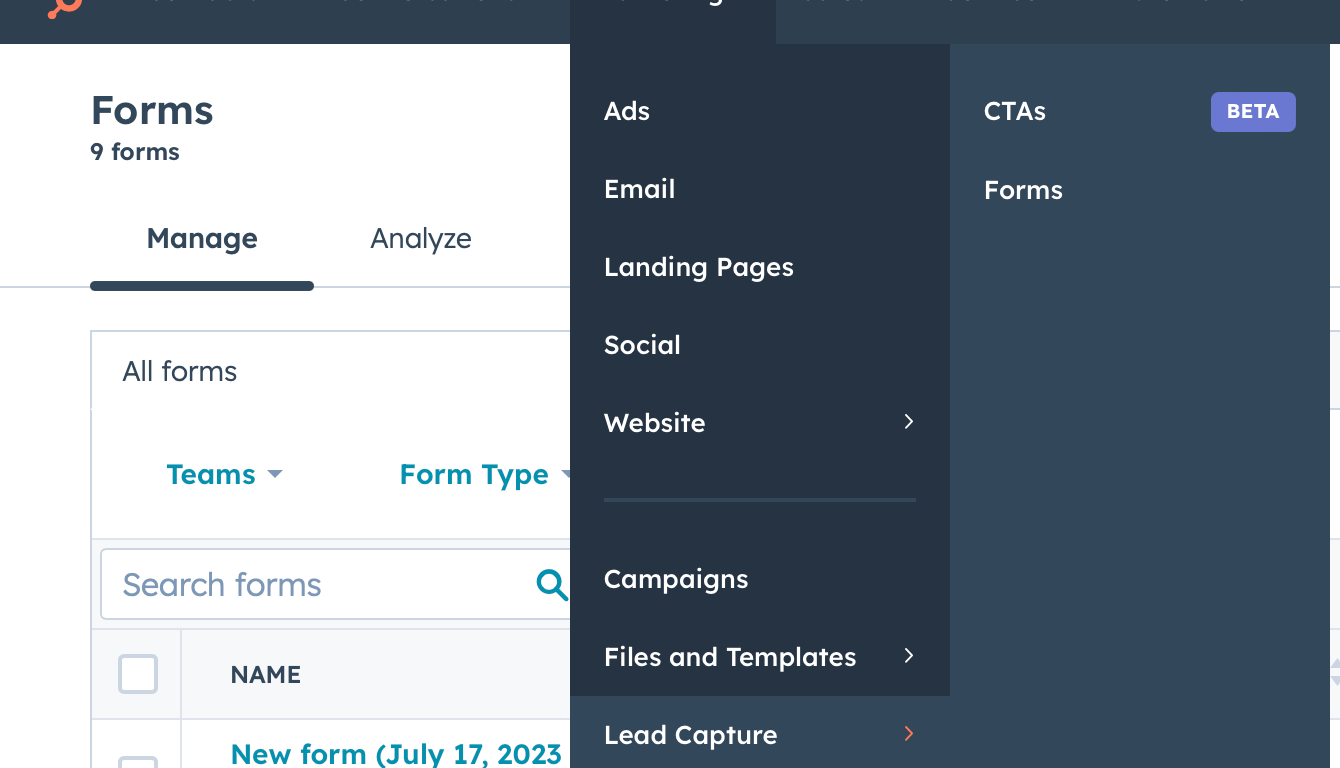
Hey, thanks for stopping by! In this blog post, we’re diving into the world of HubSpot forms and exploring five ways to leverage their power to enhance your email campaigns. HubSpot forms are versatile tools that can help you capture leads, drive engagement, and ultimately boost your campaign’s effectiveness. So, let’s unleash the potential of forms and learn how to pair them with your email campaigns for optimal results!
1. Opt-In Forms for Newsletter Subscriptions:
One of the simplest, yet most effective, uses of HubSpot forms is capturing newsletter subscribers. Embed an eye-catching opt-in form on your website or landing page, enticing visitors to sign up for your newsletter with a compelling offer or promise of valuable content. Once they’ve subscribed, you can nurture these leads with targeted email campaigns, delivering personalized content and nurturing the relationship.
Pro Tip: Keep the form fields minimal to reduce friction and make the subscription process seamless. Remember, brevity is key!
2. Content Download Forms for Lead Generation:
Want to attract high-quality leads? Pair your email campaigns with content download forms. Create enticing offers such as e-books, whitepapers, or exclusive guides, and require users to fill out a form to access the content. This strategy allows you to gather valuable lead information while providing users with valuable resources. Once you have their contact details, you can follow up with tailored email campaigns to nurture these leads further.
Pro Tip: Craft a captivating call-to-action (CTA) that highlights the benefits of the content to increase conversion rates.
3. Event Registration Forms for Seamless RSVPs:
If you’re hosting a webinar, workshop, or any virtual or physical event, HubSpot forms can simplify the registration process. Embed an event registration form on your landing page, gathering essential attendee information like name, email, and other relevant details. With this data, you can send personalized email invitations, reminders, and post-event follow-ups, ensuring a seamless experience for your registrants.
Pro Tip: Use form confirmation emails to provide registrants with additional event details and build excitement.
4. Feedback Forms for Enhanced Customer Engagement:
To foster stronger relationships with your audience, gather feedback through HubSpot forms. Create customer satisfaction surveys, feedback forms, or even NPS (Net Promoter Score) surveys to understand your customers’ sentiments and identify areas for improvement. Pair these forms with email campaigns to proactively seek feedback, show customers that their opinions matter, and demonstrate your commitment to their satisfaction.
Pro Tip: In your email campaigns, explain how their feedback will help shape your future offerings, encouraging them to participate.
5. Progressive Profiling Forms for Personalized Experiences:
With HubSpot’s progressive profiling feature, you can gradually gather more information about your leads over time. Instead of overwhelming prospects with a long form initially, use shorter forms to capture basic information first. As you nurture these leads through email campaigns, include strategically placed progressive profiling forms to collect additional data. This approach allows you to deliver hyper-personalized experiences without overwhelming your prospects.
Pro Tip: Segment your email campaigns based on the data collected through progressive profiling to ensure targeted messaging.
By incorporating HubSpot forms into your email campaigns, you can supercharge your marketing efforts and drive remarkable engagement. From capturing newsletter subscribers to nurturing leads and gathering feedback, the versatility of HubSpot forms knows no bounds. Remember to keep your forms concise, use compelling CTAs, and always align your email campaigns with the data collected through forms. So go ahead, harness the power of forms, and watch your email campaigns reach new heights!
Like what you read here? Subscribe to stay up to date and leave a comment on what you want to learn more about!
 The Conversion Rate Blog